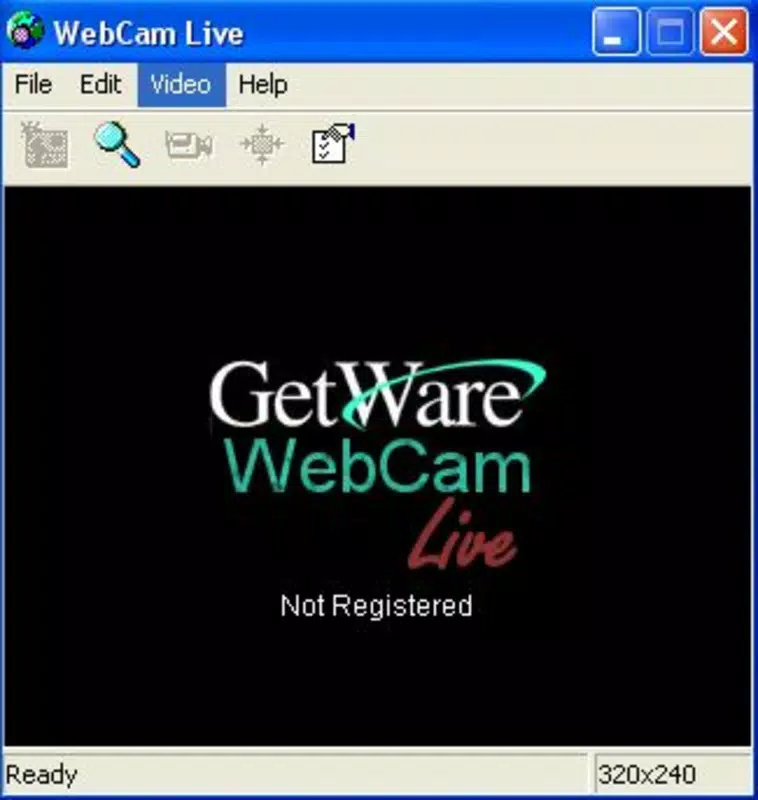


Download Webcam Live – Live Streaming, Webcam Broadcasting, Remote Surveillance
Overview
Webcam Live is a mobile application designed to facilitate real-time video broadcasting from a user’s webcam or video camera directly to the internet. The app is tailored for individuals seeking a straightforward method to stream visual content, whether for personal, professional, or security-related purposes. Its primary function centers on live image transmission, enabling users to share visual feeds with remote audiences with minimal setup. The application is particularly useful for remote surveillance, live event coverage, or casual video sharing, offering a practical solution for those who require consistent visual monitoring or broadcasting capabilities. Target users include home users monitoring their property, content creators seeking live streaming tools, and professionals managing remote operations. The app’s design emphasizes accessibility, allowing users without technical expertise to begin broadcasting quickly. While the developer did not provide detailed background information, the app’s long-standing presence since its release in 2007 suggests a focus on reliability and consistent functionality. Real-world use cases include monitoring pets or children from afar, live streaming outdoor events, or maintaining visual oversight of remote workspaces. Webcam Live plays a notable role in the mobile utility ecosystem by offering a dedicated tool for live video transmission. It fills a niche for users who need direct control over their webcam streams without relying on third-party platforms. Despite the absence of modern cloud-based integrations, the app remains relevant for those who value direct, customizable broadcasting with built-in security features.Key Features & Functionality
Webcam Live offers a suite of features designed to support both basic and advanced live streaming needs. The core functionality revolves around live broadcasting, allowing users to initiate a video feed from their webcam or video camera in just a few minutes. This feature is ideal for users who require immediate access to their visual feed without complex configurations. The app supports secure broadcasting by enabling password protection, which ensures that only authorized individuals can view the stream, enhancing privacy for sensitive applications. Another key feature is FTP upload capability, which allows advanced users to configure the app to send captured images to a private FTP server. This is particularly beneficial for users managing large volumes of visual data or those who prefer local or private cloud storage over public platforms. The integration of audio with the video stream adds another layer of functionality, making the app suitable for live commentary, virtual meetings, or interactive broadcasts where sound complements the visual content. The app also includes email notification functionality, which alerts users when specific events occur—such as motion detection or system updates—enabling timely responses even when away from the device. This feature is especially useful in surveillance scenarios. Each feature is designed to provide users with control, security, and flexibility, making Webcam Live a versatile tool for a range of live streaming and monitoring needs.- Live Broadcasting from Webcam or Video Camera
- Secure Streaming with Password Protection
- FTP Uploads to Private Servers
- Audio Integration with Video Streams
- Email Notifications for Events and Updates
Interface, UX & Performance
The user interface of Webcam Live appears to prioritize functionality over aesthetic design, reflecting its long-standing development history. Navigation is likely structured around core functions such as starting a broadcast, configuring security settings, and managing uploads. The layout probably uses a linear flow, guiding users through setup steps with minimal distractions. While the visual style is not described in detail, the app’s interface is expected to be intuitive for users familiar with basic camera applications. User experience is centered on ease of use, particularly for those initiating their first live stream. The app’s design allows users to begin broadcasting within minutes, suggesting a streamlined onboarding process. For advanced users, configuration options are accessible through clearly labeled menus, supporting customization without overwhelming the average user. Although the developer did not list formal performance metrics, the app’s ability to manage live video transmission implies a stable operation under normal conditions. Performance across different device categories is not explicitly detailed. However, given the app’s age and focus on core functionality, it likely operates efficiently on mid-range devices. Responsiveness is expected to be consistent, especially during active broadcasting sessions. Stability appears to be a key design focus, as the app has remained in use since 2007. The absence of reported crashes or bugs in available documentation suggests a reliable runtime environment. Users should expect minimal lag during streaming, though actual performance may vary based on device capabilities and network conditions.Platform Compatibility & Technical Requirements
Webcam Live is available for Android, supporting a range of devices running the specified operating system. The app’s file size is reported as 12.5 MB, indicating a lightweight footprint that should not strain device storage. The current software version is 1.0, and the app was released on May 28, 2007. Specific OS version requirements were not listed by the developer, nor were minimum hardware specifications provided. Compatibility information was not fully disclosed, so users are advised to ensure their devices meet general Android requirements for camera and network access. The developer did not specify any additional technical prerequisites, such as permissions or background processing needs. While the app is designed for mobile use, its functionality relies heavily on the device’s camera, microphone, and internet connectivity. Users should verify that their device supports video streaming and has stable network access to ensure optimal performance. The absence of detailed technical information means users may need to test the app on their specific device to confirm compatibility.Pros and Cons
- Simple setup for live webcam broadcasting
- Supports secure streaming with password protection
- Offers FTP upload functionality for advanced users
- Includes audio integration with video streams
- Provides email notifications for event alerts
- Outdated interface design with minimal modern UI elements
- No publicly available update history or version changelog
- Missing detailed technical requirements and OS compatibility
- Limited support for newer Android features and camera APIs
- App has not been updated since 2007, raising concerns about long-term maintenance


